
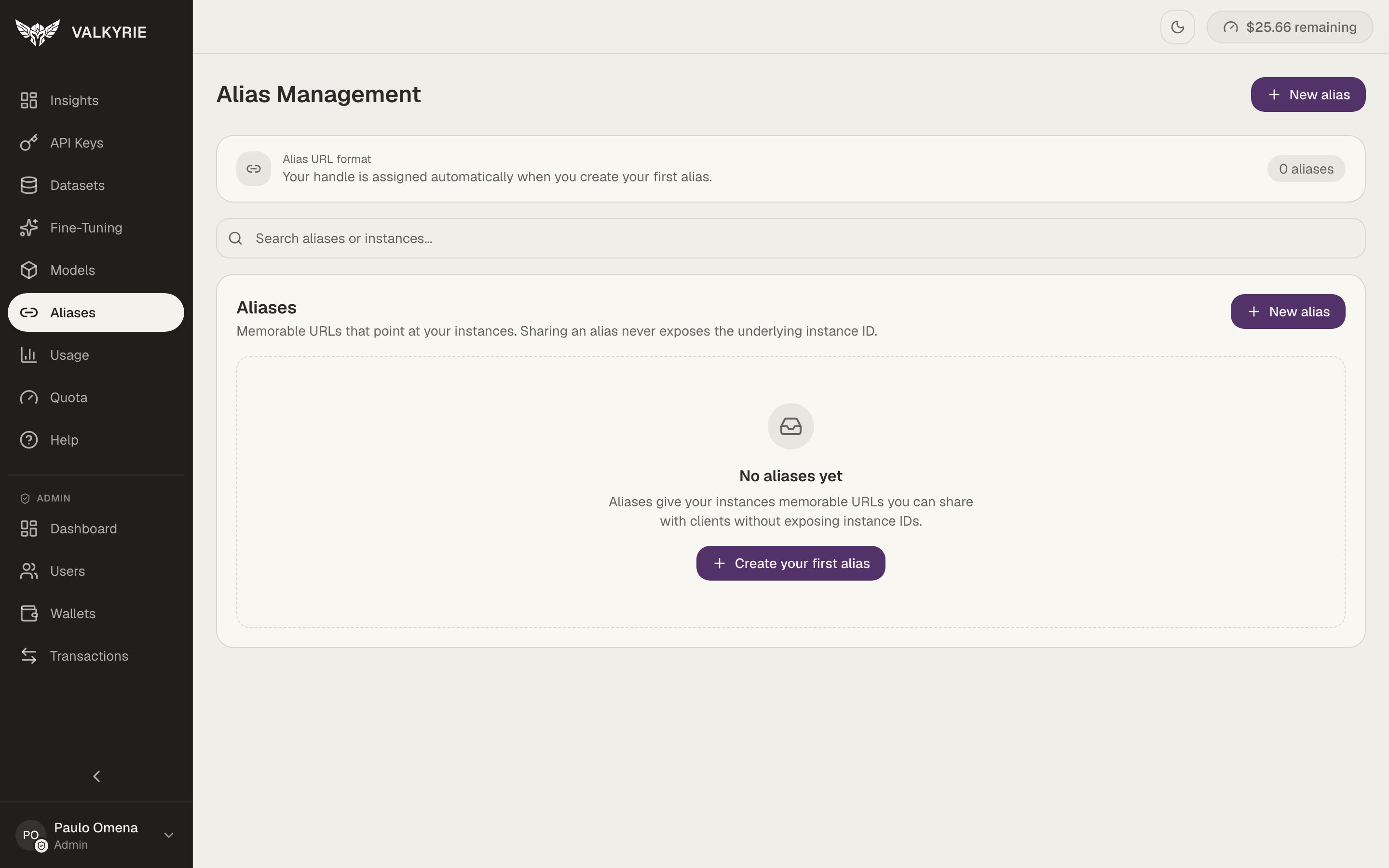
Alias Management. Sharing an alias never exposes the underlying instance ID.
{account_slug} part of the URL) is assigned
automatically when you create your first alias.
Every deployment already has a URL
You don’t have to create an alias. Every deployment is reachable at a default, non-guessable URL (a random public id), so it’s never addressed by a guessable sequential number. An alias is an optional, memorable name you add on top when you want something friendlier than the default id.Why add an alias
- Memorable.
acme/support-botis easier to share and reason about than the default public id. - Stable and re-pointable. Keep the same alias while you swap the deployment behind it, so your applications never change their configuration.
Create or manage aliases
You’ll use this to add a custom alias (a name you choose) on top of a deployment’s default URL, or to manage an existing one. An alias is also offered as an optional field when you deploy a model.1
Open Aliases
Go to Aliases in the dashboard, or use Manage aliases on a model’s
detail screen to jump straight there with that deployment preselected.
2
Point it at a deployment
Create an alias and map it to one of your ready deployments, or give a
deployment a custom name.
3
Call it
Use the alias path in place of the deployment slug in any OpenAI-compatible
client.